Picture this: it’s the middle of the night, the house is silent, and you hear it. A faint, high-pitched hum. You track it down, and to your surprise, it’s coming from that new smart plug you just installed. Your mind starts racing. Is this normal? Is it safe? Before you banish it to a drawer, let’s talk about it. Conducting a smart plug noise level test is easier than you think, and it’s the first step to understanding what’s really going on with your device. We’re here to demystify that buzz, help you figure out if it’s a cause for concern, and guide you toward a blissfully quiet, automated home.
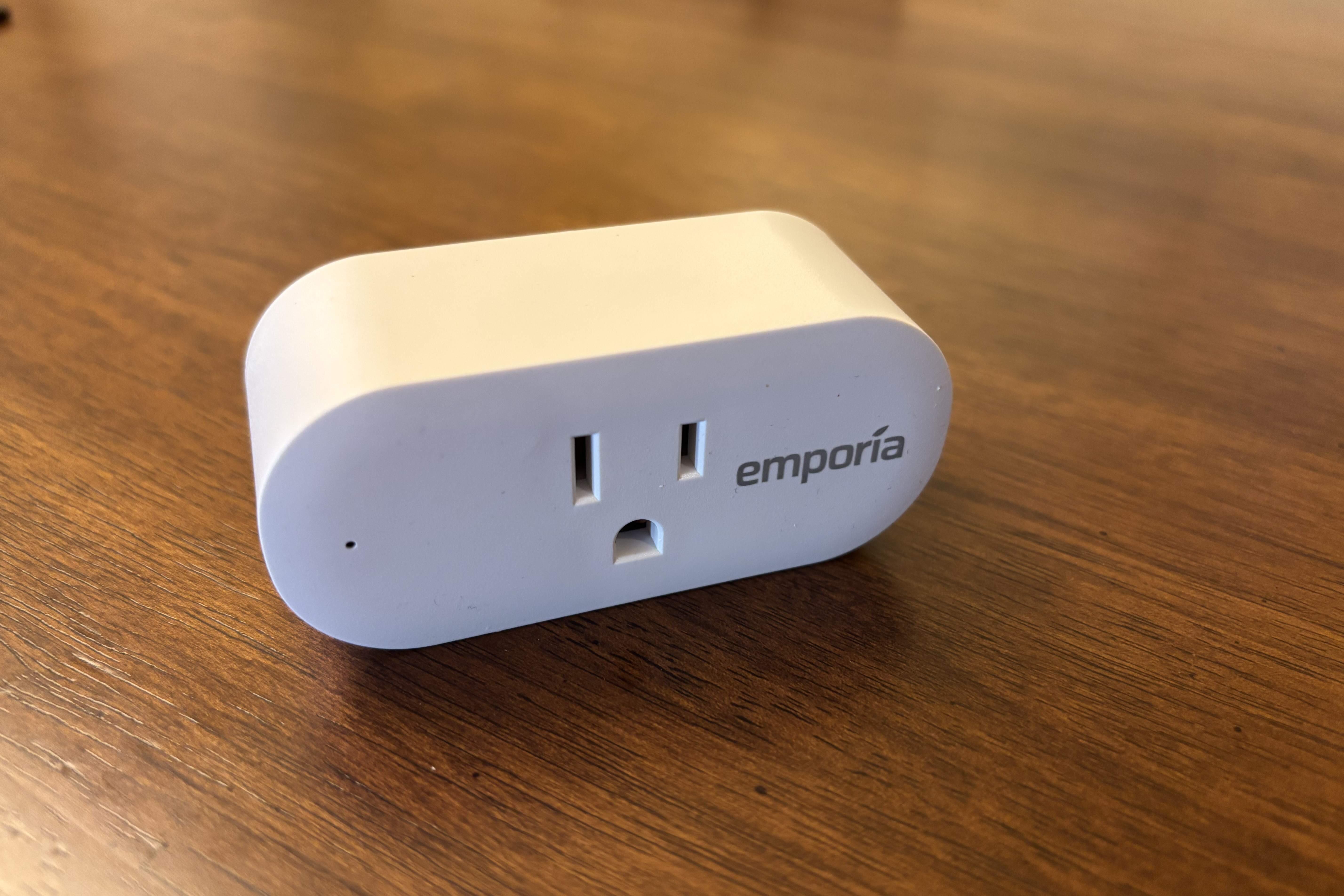
Why Do Some Smart Plugs Make Noise?
So, you’ve noticed a sound coming from your smart plug. First off, don’t panic. A little bit of electronic noise is more common than you might think. Let’s be real, these aren’t just simple plastic adapters; they’re tiny computers packed with components, and sometimes, those components get a little chatty.
The noise you’re hearing usually falls into one of three categories:
- Coil Whine: This is the most common culprit. Inside your smart plug are tiny electronic components called inductors and transformers. When electricity passes through them, they can vibrate at a very high frequency, creating a high-pitched whine or buzz. It’s the same phenomenon you might hear from a powerful PC graphics card or a phone charger.
- Capacitor Squeal: Similar to coil whine, capacitors can also vibrate and produce noise, especially in lower-quality power circuits. This is often a sign of cheaper components being used to save on manufacturing costs.
- Relay Clicking: When you turn your smart plug on or off via the app or voice command, you’ll hear a distinct click. This is the sound of a mechanical relay—a physical switch inside the plug—opening or closing the circuit. This sound is completely normal and is a one-time event per action, not a continuous hum.
A continuous hum or buzz is almost always related to the power conversion components inside the plug working to power its Wi-Fi chip and other smart features.
The Official Smart Plug Noise Level Test: A Step-by-Step Guide
Ready to play detective? You don’t need a fancy lab to perform a basic smart plug noise level test. Your smartphone is the only specialized tool you’ll need.
- Find a Quiet Time and Place: Wait for a moment when your home is as silent as possible. Late at night usually works best. Turn off fans, air conditioning, and any other sources of ambient noise.
- Download a Decibel Meter App: Head to your phone’s app store and search for a “sound meter” or “decibel meter” app. There are many free and reliable options available for both iOS and Android.
- Establish a Baseline: Before plugging anything in, open the app and take a reading of the room’s ambient noise level. Stand about a foot away from the outlet. This might be around 15-20 decibels (dB) in a very quiet room. This is your control measurement.
- Plug and Power: Now, plug in your smart plug and connect a small appliance to it, like a lamp or a phone charger. Make sure the plug is turned on via the app so it’s drawing power.
- Take the Measurement: Hold your phone’s microphone as close to the smart plug as you can without touching it. Note the decibel reading on your app.
- Analyze the Results: Compare the new reading to your baseline. An increase of a few decibels is normal. The key is how noticeable it is to your ears from a reasonable distance.
Pro Tip: Try testing the plug with different loads. Does it get louder when it’s powering a fan versus just a small LED night light? Some power supplies get noisier under a heavier load.
Here’s a simple way to interpret your findings:
| Decibel Reading (above ambient) | Interpretation |
|---|---|
| 0-5 dB Increase | Virtually Silent: This is excellent. You’ll likely never notice it. |
| 5-15 dB Increase | Audible Hum: You can hear it if you’re close, but it’s unlikely to bother you. |
| 15+ dB Increase | Noticeably Loud: This could be distracting, especially in a quiet bedroom. |
Is a Noisy Smart Plug Dangerous?
This is the million-dollar question. Is that annoying buzz a sign of an impending electrical fire?
Generally, a faint, consistent electronic hum or coil whine is not dangerous. It’s an artifact of the components working and is usually just an annoyance. However, you should immediately unplug the device and stop using it if you notice any of the following:
- Crackling or popping sounds.
- A loud, irregular buzzing.
- A noticeable smell of burning plastic or ozone.
- The plug becoming excessively hot to the touch.
These are serious red flags that indicate a faulty component or a dangerous electrical short. When it comes to electricity, the rule is simple: if in doubt, throw it out. It’s not worth the risk.
How to Choose a Quiet Smart Plug
If you’re sensitive to noise or simply want the best, you can absolutely shop for a quieter smart plug. You won’t see a “noise rating” on the box, but you can look for signs of quality that often correlate with quieter operation.
- Stick with Reputable Brands: Well-known brands like Kasa (TP-Link), Wyze, and Eve often invest more in quality control and higher-grade components, which leads to quieter, more reliable devices.
- Look for Safety Certifications: Always choose plugs with UL or ETL certifications. These independent labs test products for safety and construction standards. While not a direct test of noise, it ensures the internal design isn’t cutting dangerous corners, which often go hand-in-hand with cheap, noisy components.
- Read User Reviews: This is your best tool. Search reviews on retail sites for terms like “noise,” “buzzing,” or “humming.” Real-world user experience is invaluable.
- Consider “No-Relay” Plugs: Some premium smart plugs, particularly those designed for dimming, use solid-state electronics (like TRIACs) instead of mechanical relays. This eliminates the clicking sound, and they often have more robust power circuitry, leading to less coil whine.
|
Our Picks for the Best Smart Plug in 2026
As an Amazon Associate, we earn from qualifying purchases.
|
||
| Num | Product | Action |
|---|---|---|
| 1 | Kasa Smart Plug Mini 15A, Apple HomeKit Supported, Smart Outlet Works with Siri, Alexa & Google Home, UL Certified, App Control, Scheduling, Timer, 2.4G WiFi Only, 4 Count (Pack of 1) (EP25P4), White |

|
| 2 | Kasa Smart Plug Mini 15A, Smart Home Wi-Fi Outlet Works with Alexa, Google Home & IFTTT, No Hub Required, UL Certified, 2.4G WiFi Only, 4-Pack(EP10P4) , White |
|
| 3 | Kasa Smart Plug HS103P2, Smart Home Wi-Fi Outlet Works with Alexa, Echo, Google Home & IFTTT, No Hub Required, Remote Control,15 Amp,UL Certified, (Pack of 2) White |
|
| 4 | Amazon Basics Smart Plug, Works with Alexa Only, 2.4 GHz Wi-Fi, No Hub Required, 2 Pack, White |
|
| 5 | Govee Smart Plug, WiFi Plugs Work with Alexa & Google Assistant, Smart Outlet with Timer & Group Controller, WiFi Outlet for Home, No Hub Required, ETL & FCC Certified, 2.4G WiFi Only, 4 Pack |
|
| 6 | Kasa Smart Plug Ultra Mini 15A, Smart Home Wi-Fi Outlet Works with Alexa, Google Home & IFTTT, No Hub Required, UL Certified, 2.4G WiFi Only, 2 Count (Pack of 1)(EP10P2) , White |
|
| 7 | Amazon Basics Smart Plug, Works with Alexa Only, 2.4 GHz Wi-Fi, No Hub Required, 4-Pack, White |
|
| 8 | TP-Link Tapo Matter Supported Smart Plug Mini, Compact Design, 15A/1800W Max, Super Easy Setup, Works with Apple Home, Alexa & Google Home, UL Certified, 2.4G Wi-Fi Only, White, Tapo P125M(3-Pack) |
|
| 9 | Govee Smart Plug, WiFi Plugs Work with Alexa & Google Assistant, Smart Outlet with Timer & Group Controller, WiFi Outlet for Home, No Hub Required, ETL & FCC Certified, 2.4G WiFi Only, 2 Pack |
|
| 10 | Kasa Smart Plug HS103P4, Smart Home Wi-Fi Outlet Works with Alexa, Echo, Google Home & IFTTT, No Hub Required, Remote Control, 15 Amp, UL Certified, 4-Pack, White |
|
Beyond the Buzz: Integrating Your Plug into a Smart Ecosystem
Once you’ve found a quiet and reliable smart plug, the fun really begins. The true power of these devices is unlocked when they become part of a larger system. Whether you’re team Google, Alexa, or Apple, integration is key.
Making Friends with Voice Assistants
Connecting your smart plug to Amazon Alexa, Google Assistant, or Apple HomeKit is usually a straightforward process within the plug’s native app. Once linked, you can ditch the app and use simple voice commands like:
- “Hey Google, turn on the coffee maker.”
- “Alexa, turn off the bedroom fan.”
- “Siri, good night” (triggering a scene that turns off your smart-plugged lamp).
Building Routines and Automations
This is where your smart plug goes from a remote control to a truly smart device. You can set up schedules and automations to make your life easier.
- Morning Routine: Have your plug automatically turn on the coffee pot at 7:00 AM.
- Security Automation: Use a “Vacation Mode” to have lamps plugged into your smart plugs turn on and off randomly in the evening to simulate someone being home.
- Energy Savings: Set a rule to automatically turn off the TV and game console (which draw phantom power) completely at midnight.
According to smart home expert Dr. Alistair Finch, “The simple smart plug is the gateway to home automation. It’s an affordable, low-risk entry point that demonstrates the tangible benefits of a connected home. From energy management to convenience, its potential grows exponentially when integrated into a broader ecosystem.”
Frequently Asked Questions (FAQ)
Q1: Can a smart plug get quieter over time?
A1: Generally, no. The coil whine is a physical property of the components. In some rare cases, it might change slightly as components “settle,” but it’s unlikely to disappear completely if it’s noticeable from the start.
Q2: Does the connected appliance affect the smart plug’s noise level?
A2: Yes, it can. The amount of electrical load an appliance draws can affect how hard the plug’s internal power supply has to work. Some plugs might be silent with a 5W LED bulb but start to hum when powering a 200W fan.
Q3: Are Wi-Fi smart plugs noisier than Zigbee or Z-Wave plugs?
A3: Not necessarily. The noise comes from the power conversion components, not the communication radio itself. However, Wi-Fi plugs have to power a more energy-intensive radio, which can sometimes lead to the use of power circuits that are more prone to noise in budget models.
Q4: Is it normal to hear a click when the smart plug turns on or off?
A4: Yes, that’s completely normal for most smart plugs. It’s the sound of the internal mechanical relay physically making or breaking the electrical connection. It’s a sign that it’s working as designed.
Q5: Can I reduce the noise from my existing smart plug?
A5: Unfortunately, there isn’t much you can do. The noise is internal. The best solution is to move the noisy plug to a location where the sound won’t bother you, like a garage or basement, and replace it with a quieter model in your living spaces.
Your Journey to a Smarter, Quieter Home
A faint hum from a smart plug is usually more of a nuisance than a danger. By performing a simple smart plug noise level test with your phone, you can quickly quantify the issue and make an informed decision. Remember to prioritize safety, listen for any warning signs of electrical failure, and invest in quality, certified products from reputable brands. Your smart home should bring you convenience and peace of mind, not a headache-inducing buzz. Now go ahead and build that silent, automated sanctuary you deserve.
Smart home that does not lock you in
Free PDF — protocol compatibility matrix for 30 hubs and devices.